
AB Fence Macro for AutoCAD
Plan your fence layout with precision
Plan Your Fence Layout
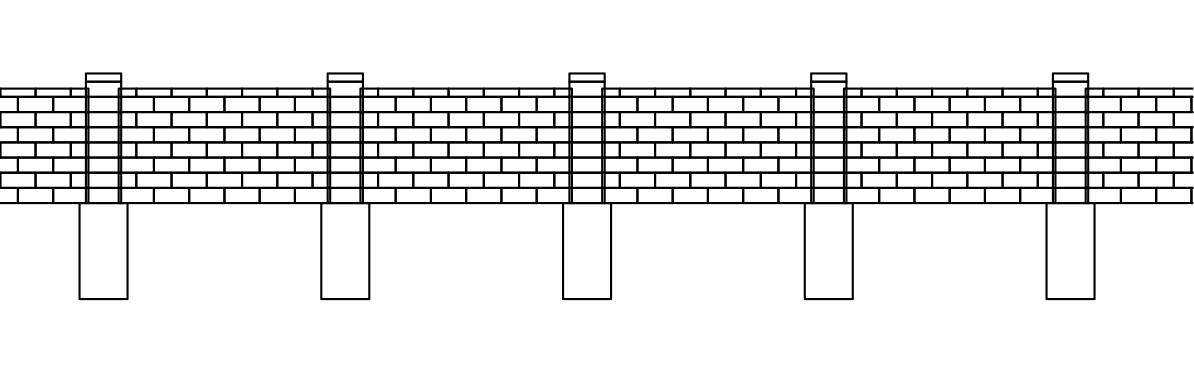
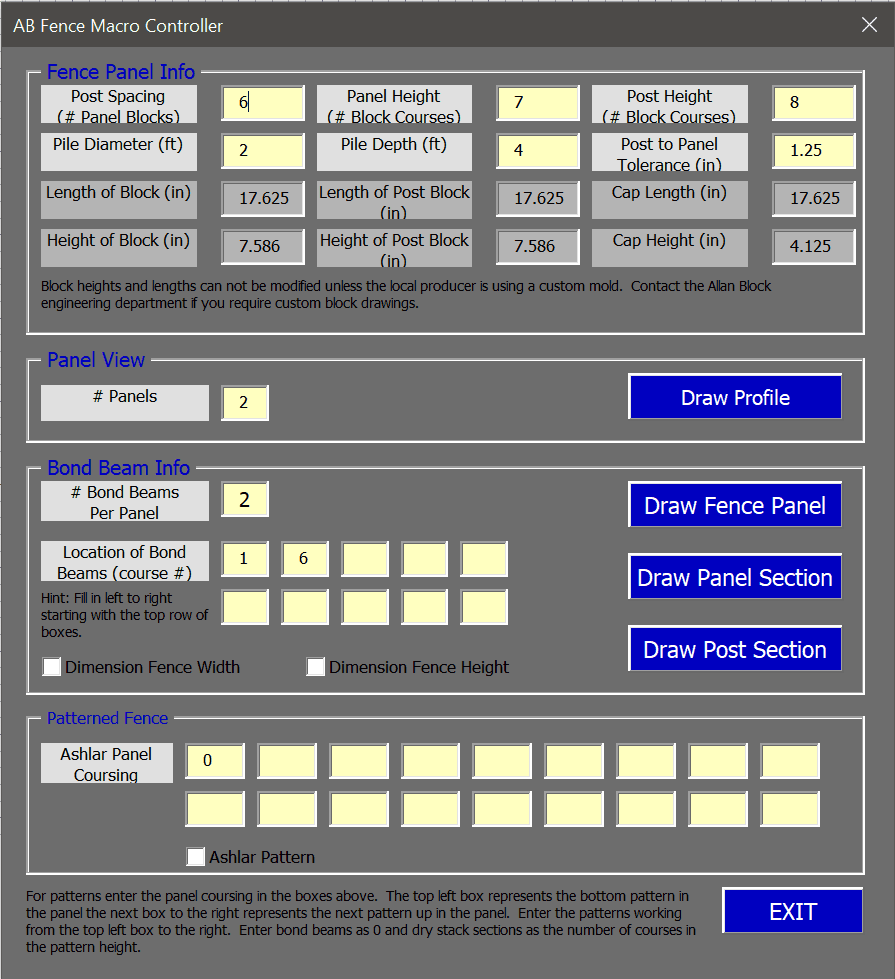
Allan Block makes it easy to draw your fence panels. The AutoCAD Fence Macro allows you to configure your patterns to fit any project requirements. It helps lay out multiple panels, detailed panel drawings, panel sections, and post sections.
Download the Allan Block Fence Macro for AutoCAD to quickly lay out standard pattern and Ashlar pattern fence designs.
Installing the Tool on PC
Download the AB Fence Macros.zip file by clicking the button above. Save this .zip file in an easily accessible location (i.e. your desktop)
Extract the AB Fence Macro Files from the .ZIP file. The files can be extracted in several ways:
- aOpen the .ZIP folder by double clicking the folder. Drag the files to the desired location on your computer.
- bRight click on the .ZIP folder and select Extract All. Follow the prompt to save the files in the desired location.
- cUse a third party application to extract and save the files in the desired location.
Once the files have been saved in the desired location, open the AB Fence Macros instructions for further information on how to install the files within your AutoCAD program.