
Courtyard Patio Walls Design & Estimating App
Design your perfect courtyard patio with pre-designed packages or custom layouts
What Does it Do?
Choose from a variety of pre-design patio packages or create your own patio design and receive project plans, elevation designs, material estimates and installation instructions.
Available in English and Metric units.
How It Works
Home Screen
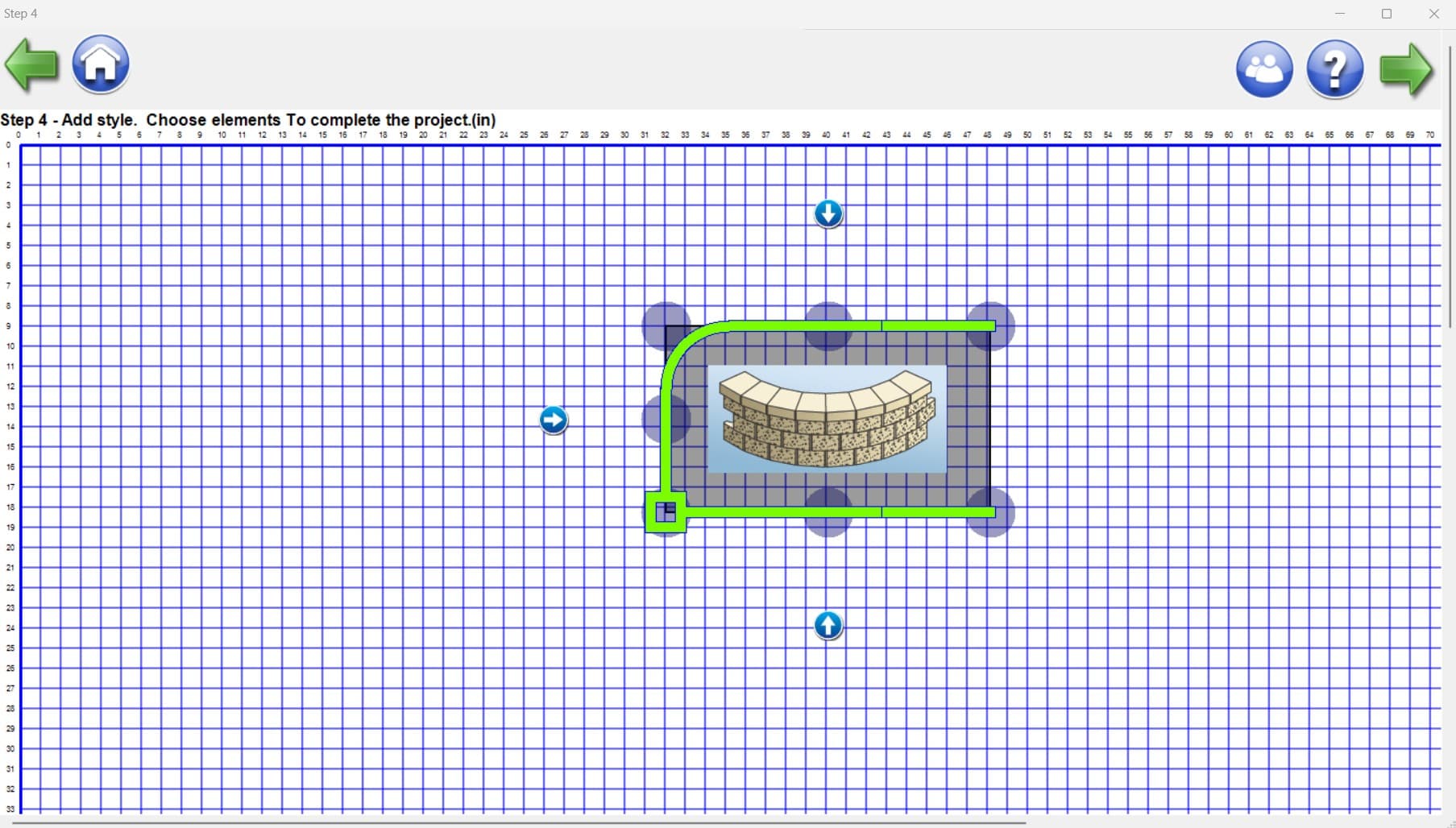
Design & estimate your perfect courtyard patio with this useful tool from Allan Block. Choose from the AB Courtyard Patio Package choices that offer pre-designed layouts with different styles and looks to transform your backyard space.
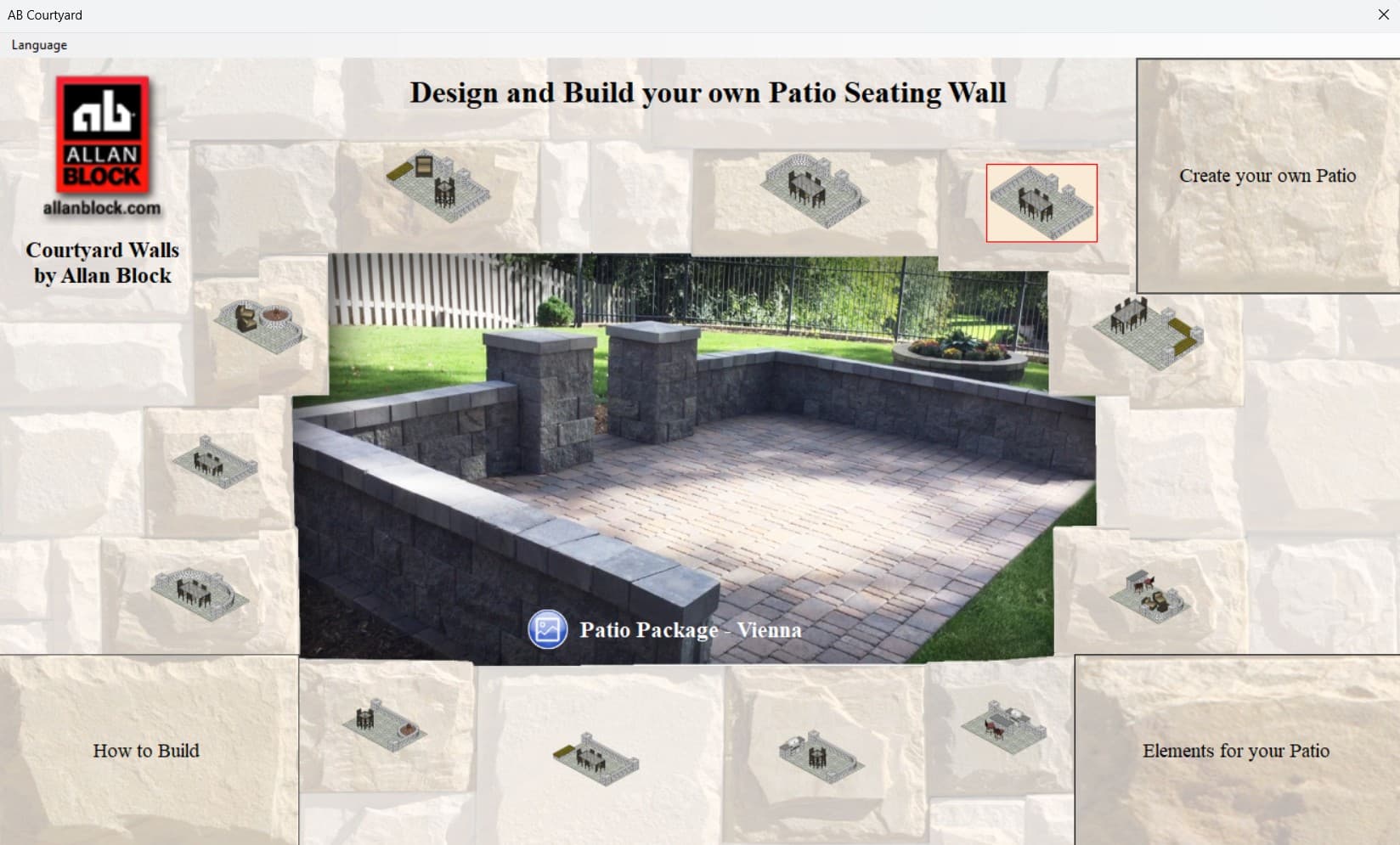
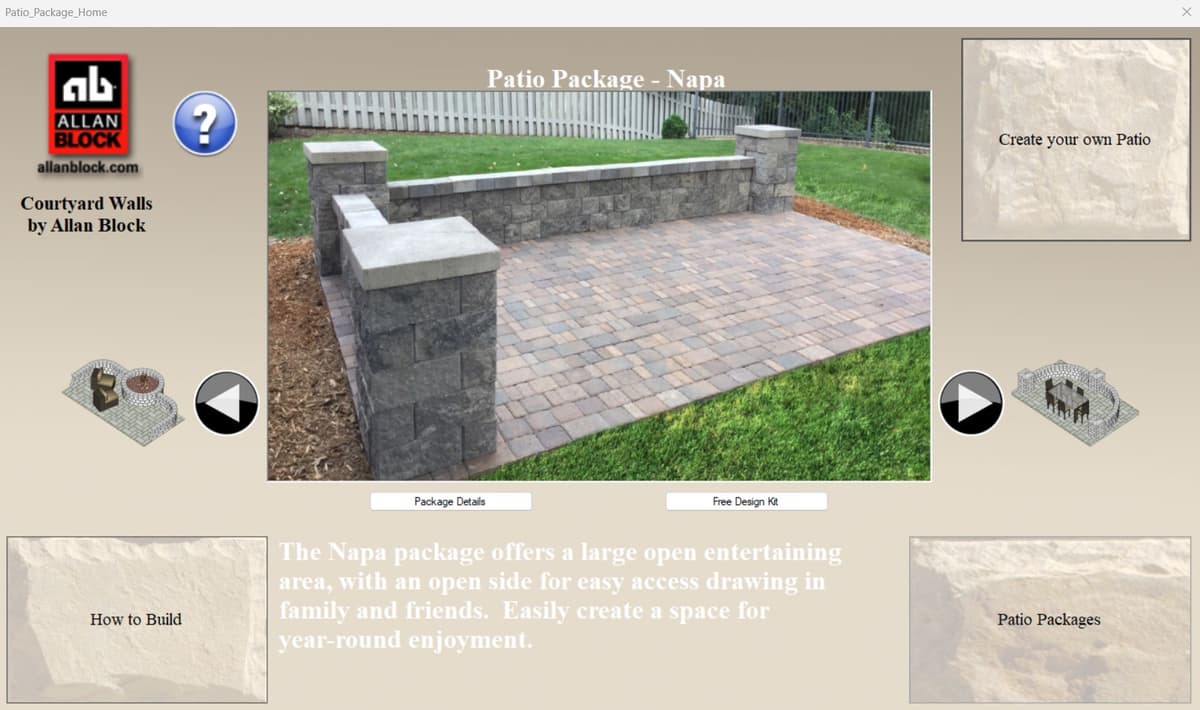
Pre-Designed Patio Packages
Looking for just a small accent to add to your space like a pond, bench or planter? Choose from our Element options to give your outdoor space a simple upgrade. These can all be built in just a weekend and enjoyed all season long.
Layout Screen
Then let your creativity shine and easily design the size and style of your patio and seating walls with the flexible AB Courtyard Collection. Use the Create Your Own Feature and simply choose the size of your patio area, select where the walls will be, add curves, corners or posts and then enter the heights.
Quick and easy and you're done! Want more? Add on accents from our Elements, like ponds, fire pits, bench seating or grilling stations to expand your custom layout even more.
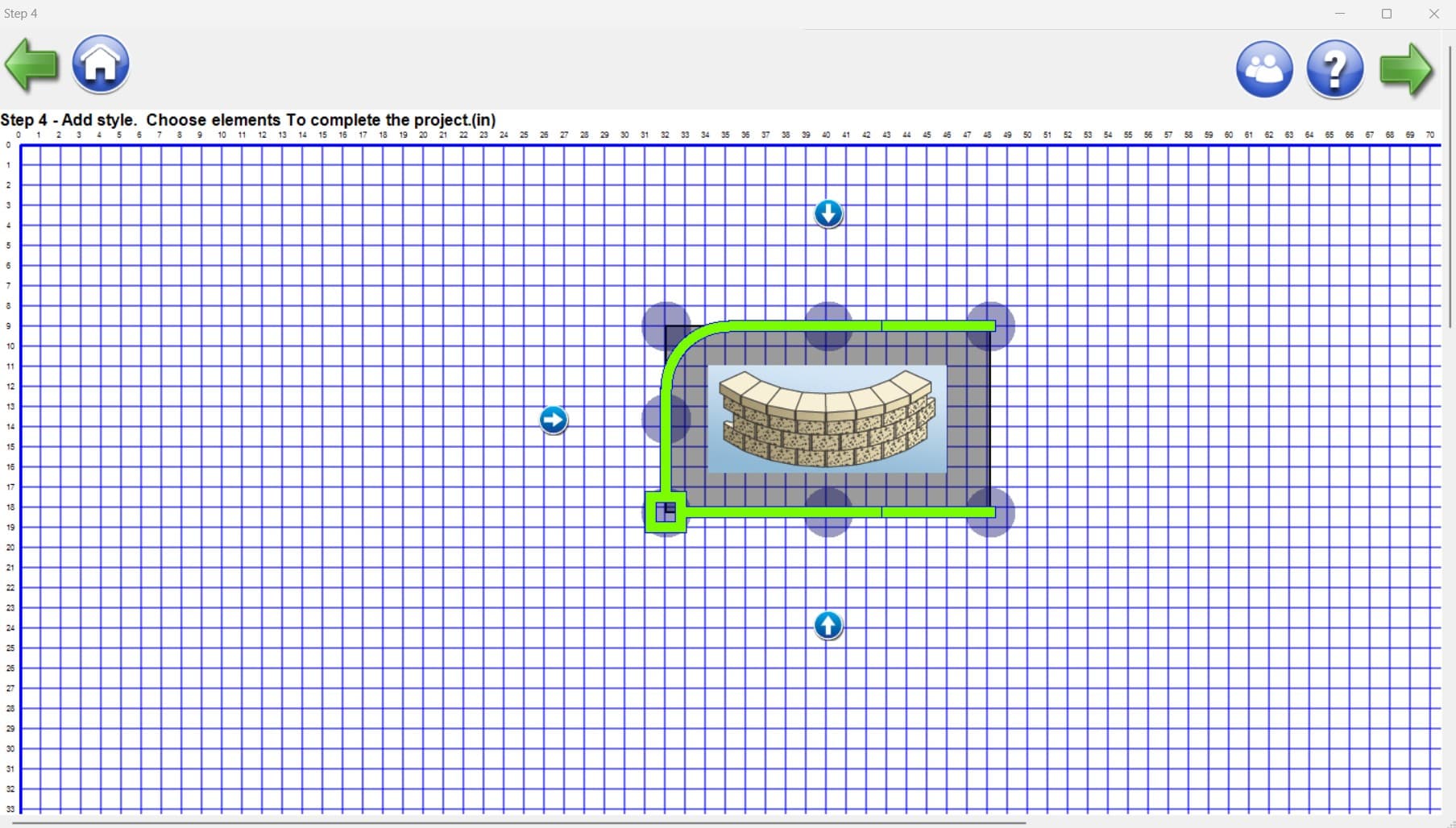
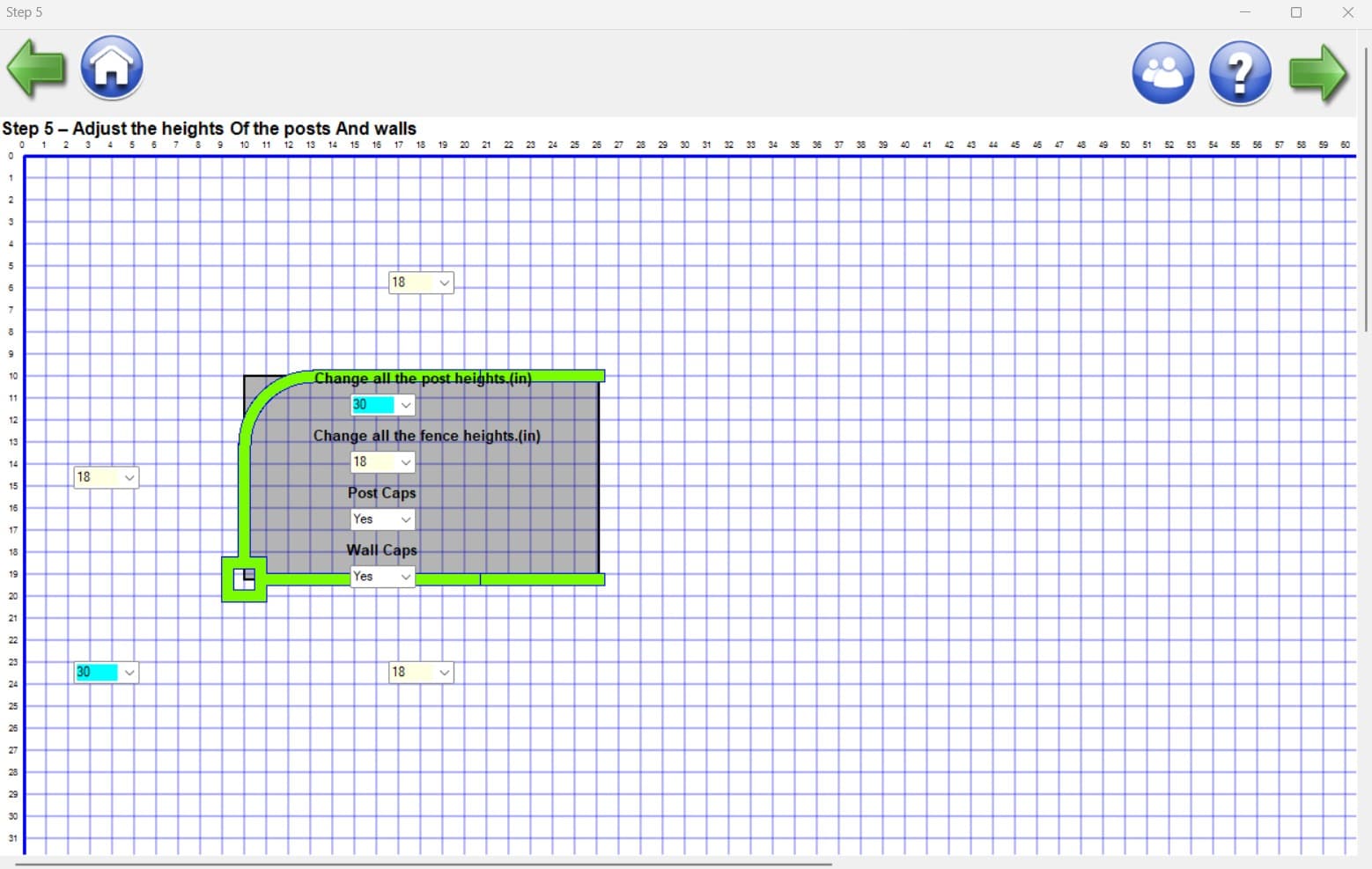
Add Heights
Fine-tune your design by adding specific heights to your walls and features.
This AB Courtyard Estimator and Project Portfolio includes:
Mac Installation Note
**NOTE: When installing on a Mac computer, you will need to adjust your security settings to allow you to download from the internet. To do this:
- 1Go to System Preferences
- 2Go to Security & Privacy
- 3Click the lock at the bottom right of the screen to unlock it so you can make changes
- 4Change "Allow apps downloaded from:" to Anywhere
- 5Click the lock again to lock